VisioArt.ai

Creative workspace

VisioArt Studio

Create

  • Image to Video
  • Text to Video
  • Video to Video
  • Text to Image
  • AI Image Editor

Explore

  • Video Effects
  1. Video Effects
  2. AI Product Ad Video Generator
Get Started For Free

AI Product Ad Video Generator

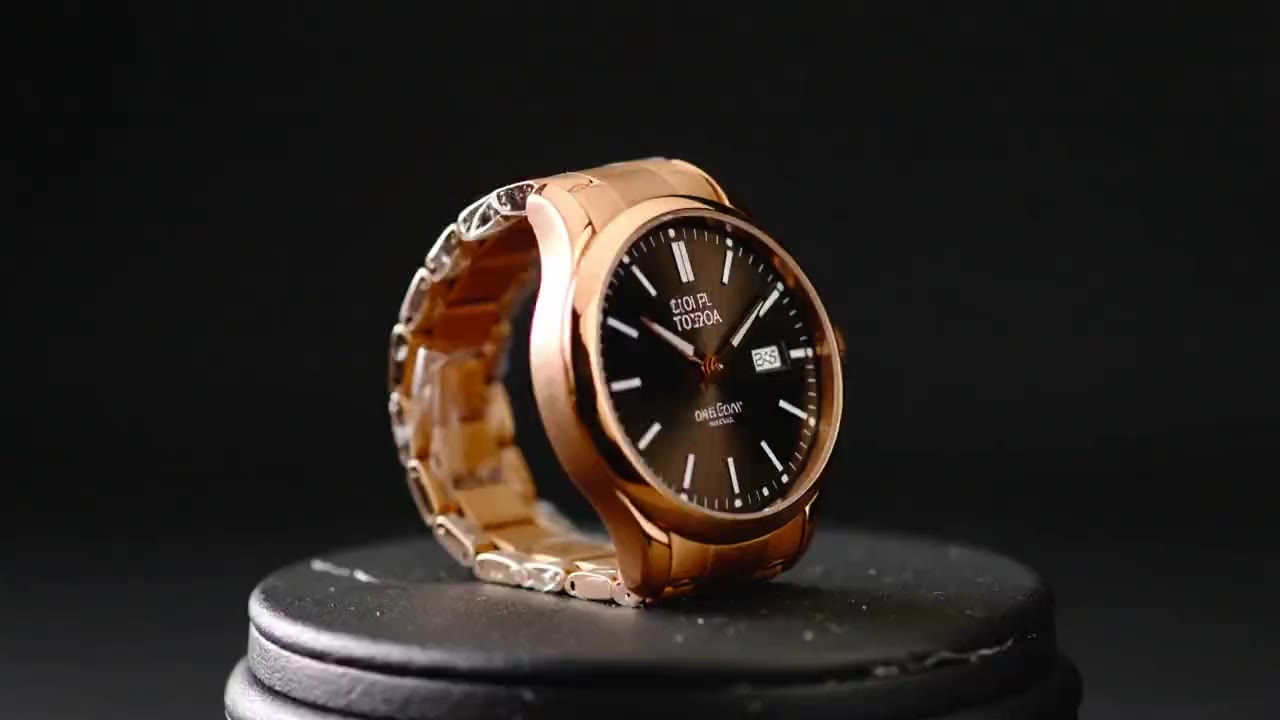
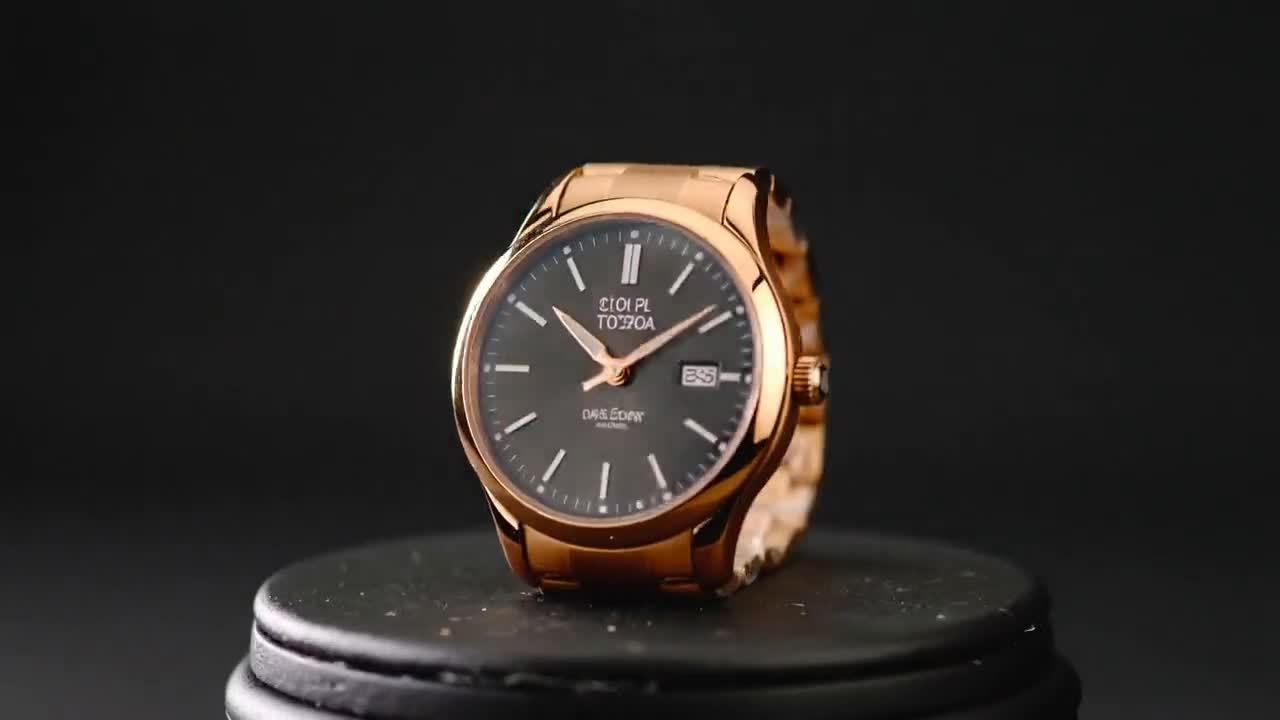
Upload a product photo and generate a polished short ad loop with controlled camera motion, commercial lighting, and social-ready framing.

Effect
Product Ad Video
Upload a product image and generate a short commercial video with controlled camera motion, lighting, and framing.
Model Selection
Image
Sign in to upload

Uploads are saved to your workspace before generation, so sign in first to keep the source image attached.

Duration
Credits required:
25 credits

Video Preview

Turn product photos into premium ad loops
Sample video - Create your own AI-generated video
Product Photo to Ad Effect
Product Ad Video
Turn product photos into premium ad loops
Product Photo to Ad Effect

Turn product photos into premium ad loops

Create short product videos for launches, social ads, store pages, and campaign tests. Start from one still image, then let the preset add product-readable motion and lighting.

Single-image product workflow
Upload a product still and generate a short ad-style video without building a full storyboard or editing timeline.
Commercial camera language
The preset emphasizes controlled orbit, push-in, and lighting shifts so the output feels like a product spot rather than a random animation.
Social-ready short loops
Generate compact clips that work for launch posts, paid creative tests, product pages, and short-form campaign variants.
Fast creative testing
Run multiple product treatments quickly, compare motion and framing, then move the strongest result into your campaign workflow.

How It Works

Simple 3-Step Process

Create a product ad loop in a focused workflow: upload the product image, run the preset, and export the strongest take.

1
Upload a product image
Start with a clean product photo or rendered still. Centered subjects, visible edges, and simple backgrounds usually produce the most readable ads.
2
Generate the ad motion
Choose aspect ratio and duration, then let the preset add camera movement, highlight shifts, and product-focused pacing.
3
Preview and export
Review the rendered clip for product clarity, framing, and motion stability, then download it for ads, launch pages, or social posts.
Create Your Product Ad

Frequently Asked Questions

Frequently Asked Questions

Common questions about using this preset effect with VisioArt.

New accounts receive signup credits and daily check-in rewards. The generator shows the required credit estimate before you submit the effect job, so you can decide whether to use a paid plan or credit pack.

Turn Product Photos into Polished Ad Videos

Upload a product still, generate a short commercial loop, and use the result for campaign tests, social posts, or product page motion.

Get Started NowExplore More Effects

Use clear product images and simple backgrounds for the strongest results.

VisioArt.ai

Create AI-powered MP4 videos from text, images, and guided workflows.

EmailSign up
Product
  • AI Image Editor
  • Text to Image
  • Image to Video
  • AI Photo to Video
  • Text to Video
  • Video to Video
  • Video Compression
  • AI Video Generator
Video Effects
  • AI Bikini Video
  • Ghostface Video
  • Action Figure Video
  • Product Ad Video
  • AI Hug Video
  • Christmas Video
Video Models
  • Sora 2
  • Sora 2 Pro
  • Wan 2.5
  • Wan 2.6
  • Wan 2.7
  • HappyHorse 1.0
  • Gemini Omni
  • Veo 3.1
  • Veo 3.1 Fast
  • Kling AI
  • Kling 3.0
  • Kling 2.6
  • Seedance
  • Seedance 2
  • Seedance 2 Fast
Image Models
  • Seedream 4
  • Seedream 4.5
  • Seedream 5 Lite
  • Nano Banana
  • GPT Image 2
  • GPT-4o Image
  • Qwen Image
  • Qwen Image 2
  • Imagen 4
  • Midjourney
  • Grok Imagine
  • Flux 2
  • Z-Image
Support
  • Docs
  • Blog
  • Changelog
  • Contact
Legal
  • Cookie Policy
  • Privacy Policy
  • Refund Policy
  • Terms of Service
© 2026 visioart.ai. All rights reserved.Featured on There's An AI For That