
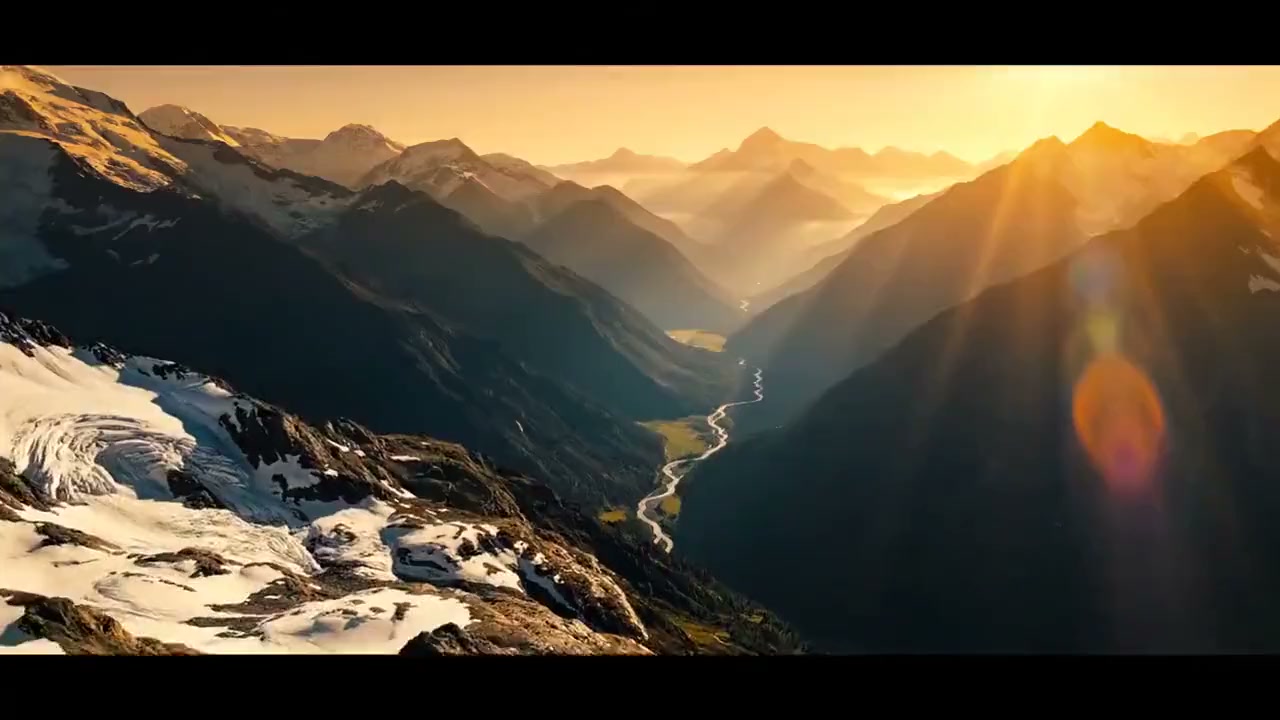
AI Canvas Workflow Studio
Turn ideas into reality on an infinite canvas with world-class AI models.
Start from a prompt or asset
Open a new canvas with the first prompt and generation path already wired, then expand into a full workflow.
Branch into image and video paths
Use the first result as a clean handoff into edits, motion, or alternate directions without rebuilding the graph.
Stay in one production surface
Prompting, uploads, derivations, and history all stay connected inside the same workspace instead of scattering across tools.
Recent Canvas Projects
Open an existing canvas, create a blank starter workflow, or revisit the guide.
AI Canvas Workflow Studio
Learn the basics
Your next canvas slot 1
Your next canvas slot 2
Your next canvas slot 3
Your next canvas slot 4
Your next canvas slot 5
Your next canvas slot 6
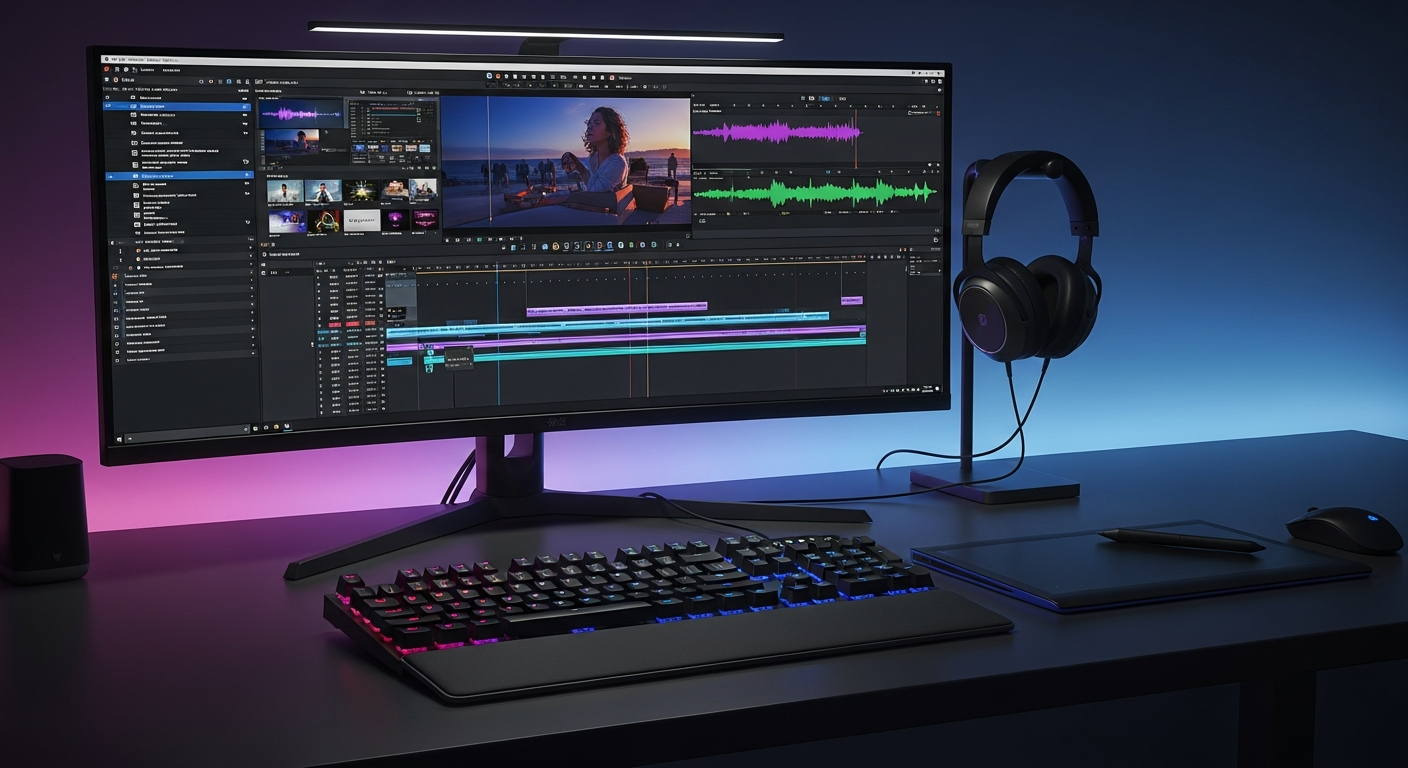
Beginner's Guide
Open a prebuilt walkthrough canvas with prompt, upload, image, and video nodes already connected so the operating model is obvious before you build your own.
How the Studio flow works
The guide canvas shows the same operating model as the real workspace, just with the first path already laid out.
Start with a prompt or reference
Use the homepage prompt box for a fast start, or upload an image or video to seed the first source node.
Connect nodes into a pipeline
Add prompt, upload, image, and video nodes, then connect them so each result can feed the next generation step.
Tune model, ratio, and duration
Each generation node keeps its own model, aspect ratio, duration, and output settings so branches can diverge cleanly.
Run, branch, and revisit work
Completed outputs can become new source material, while saved projects let you reopen and continue the workflow later.